

Claro
Built to enhance producer's creativity and create a smoother, more musical EQ workflow.
-
 Authorised with a free iLok account
-
 14-Day Money Back Guarantee
-
 Instant Digital Delivery


Overview
Claro by Sonnox is an advanced EQ plugin designed to bring clarity, control, and creativity to your music production. Ideal for mixing and mastering, Claro helps artists, producers, and engineers achieve a balanced, transparent sound with precision and ease. Equipped with three intuitive views—Produce, Tweak, and Mix—Claro adapts to your workflow, allowing you to shape and enhance sound at every stage of the production process. Produce View offers a straightforward interface for quick adjustments, perfect for those focusing on musical ideas. Tweak View provides detailed frequency control for pinpoint accuracy, while Mix View allows seamless frequency adjustments across multiple tracks, avoiding unwanted clashes and creating harmony within complex mixes. Claro’s adaptive interface lets users dive deep into tonal shaping while preserving CPU resources, making it a go-to solution for any audio environment. Whether you’re targeting subtle tonal enhancements or broad-spectrum adjustments, Claro by Sonnox equips you with the tools to achieve a clean, polished sound with minimal effort.
The EQ for Creative Producers

Claro gives you more than just an EQ—it provides real-time insights into how your tracks interact. You’ll see exactly where frequency masking is happening, helping you decide if it’s adding warmth and body or causing muddiness and clashing. Claro doesn’t take over your decisions—it gives you the clarity to make smarter ones.
Meet Your Intuitive EQ Plugin
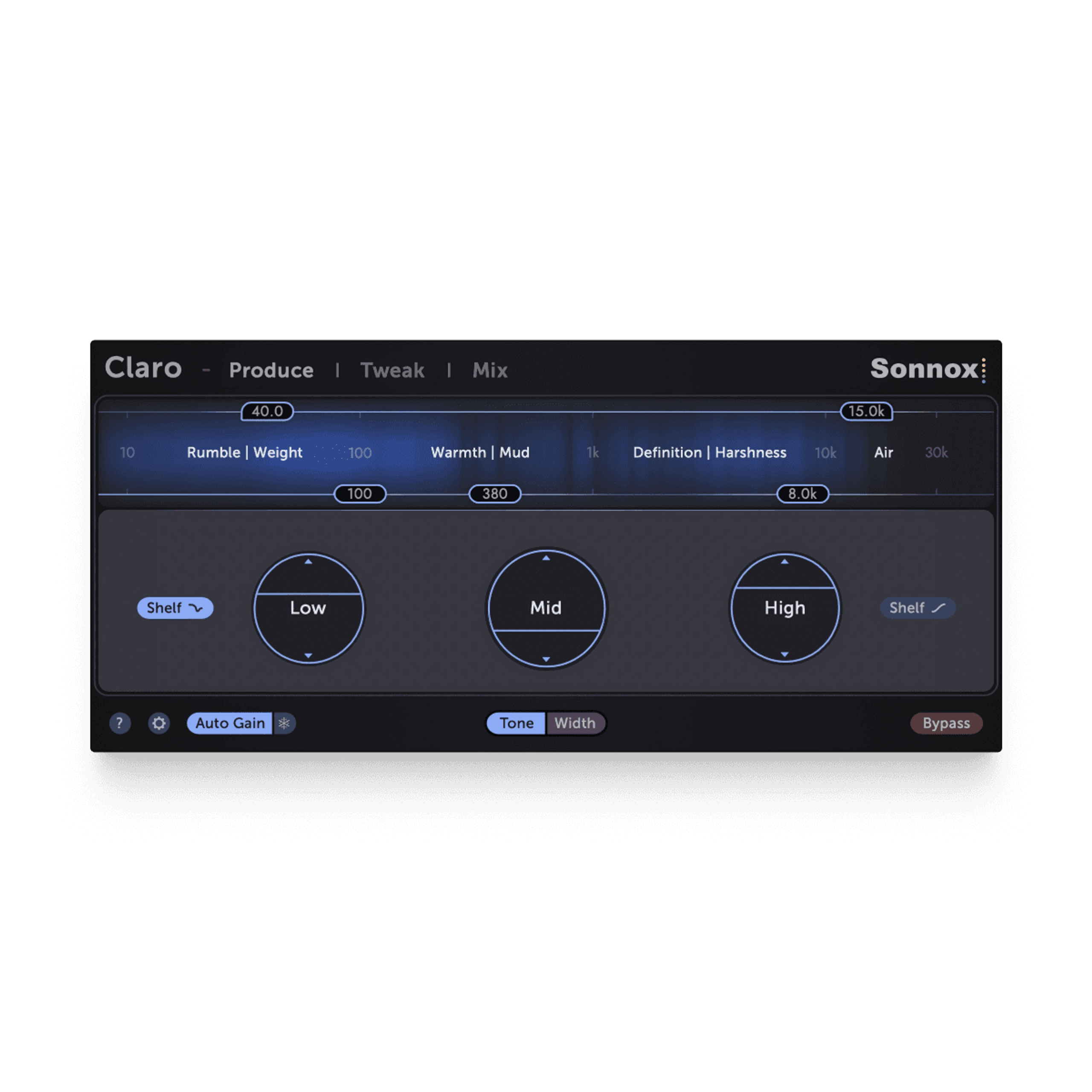
Stage 1
Produce
Start with broad moves that shape your track. Claro’s Produce view lets you instantly add depth, air, or punch to any instrument.
Its visualiser gives you a clear picture of your track’s energy at a glance, helping you carve out space while keeping the sound natural.
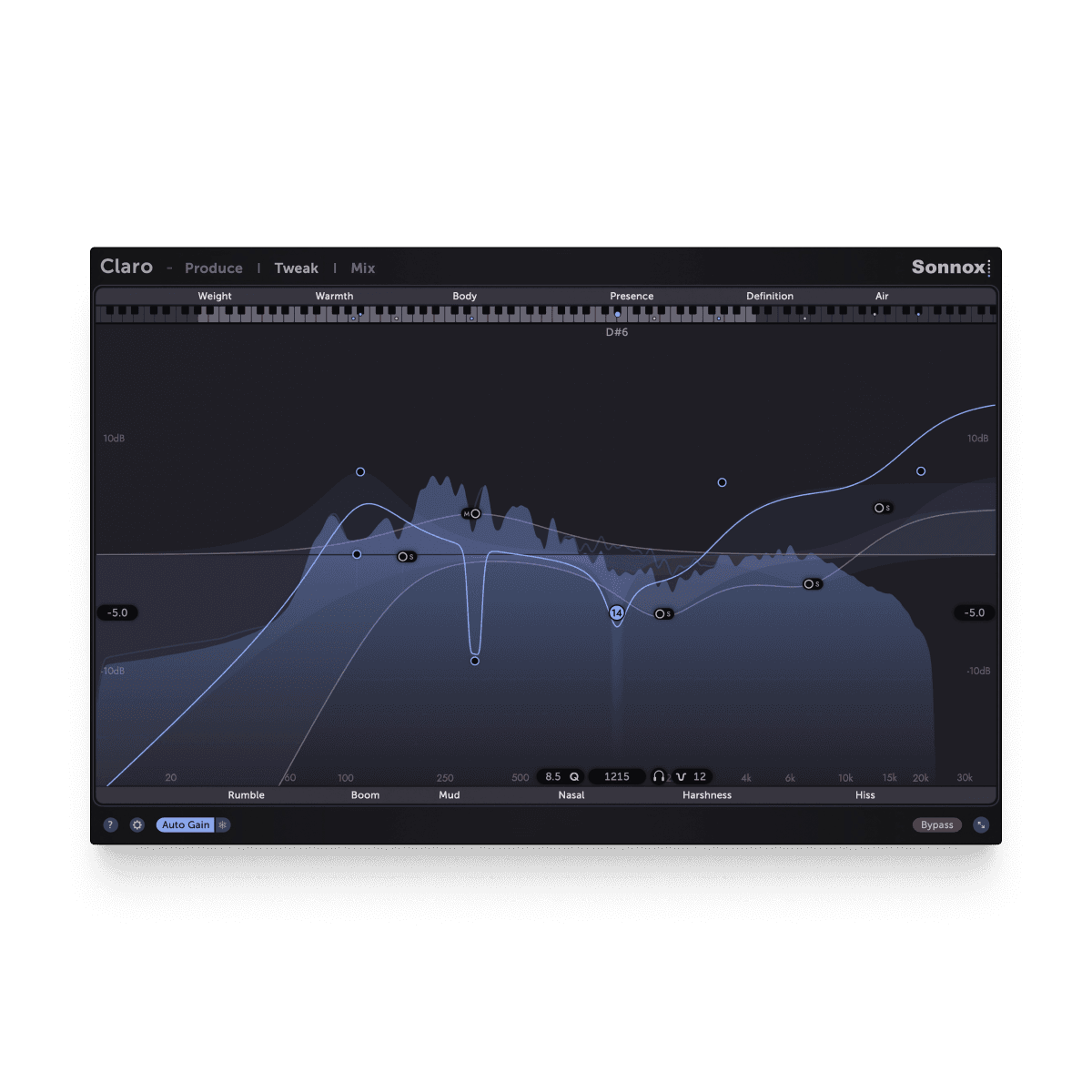
Stage 2
Tweak
Identify and address problematic resonances with pinpoint accuracy, allowing you to sculpt your sound with surgical precision while maintaining musicality.

Stage 3
Mix
Gain a holistic view of your entire mix. Claro's Mix view displays all instances across your project, enabling you to visualize and adjust frequency interactions between tracks simultaneously.
Quickly identify and resolve masking issues, create space for each element, and achieve a balanced, professional sound without losing focus on the overall mix.
Watch Claro In Action
Explore how Claro is being used to make EQ decisions more effectively.
What The Pros Think Of Claro

Twenty One Pilots, Machine Gun Kelly, Yungblud
Adam Hawkins


JOLIN, Hans Zimmer, Sticky Fingers
Rhys Fletcher
Black Sabbath, Judas Priest, Cradle of Filth
Mike Exeter
Bryan Adams, Elisa, Diana Krall
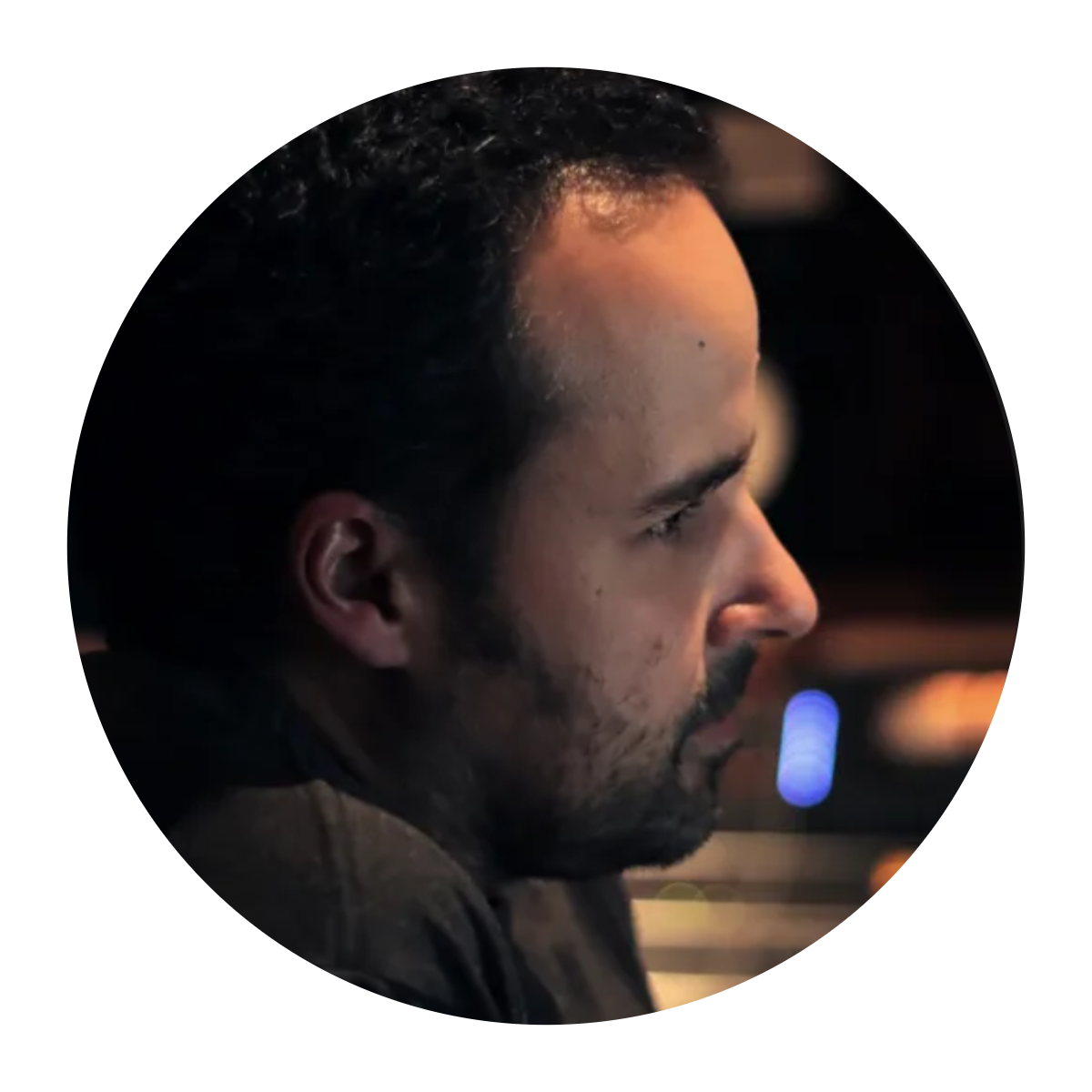
Nuno Fernandes
Frequently Asked Questions
Compatibility





Licencing
- Local MachineInstall directly on your computer.
- iLok DeviceRequires an iLok2 or iLok3 USB dongle (latest drivers required).
- iLok CloudActivation via iLok Cloud requires an active internet connection (only one activation can be assigned to iLok Cloud; the other must be on a Local Machine or iLok Device).
Each Sonnox plugin license includes two simultaneous activations.
With an iLok account, you can authorise each activation on one of the following devices:
Supported Formats
- Audio Unit (AU)
- VST3
- AAX-NativePro Tools 11 or later.
Compatible plugin formats for various digital audio workstations (DAWs):
Supported Operating Systems
- macOSmacOS 10.13 High Sierra or later.
- WindowsWindows 10 (64-bit) or later.
Our plugins are compatible with the following operating systems:
For compatibility with older systems, please contact our support team.
Documentation
For detailed setup instructions and additional usage tips, please refer to the user guide.
Claro User Guide.
